Case Study: Optimizing the PlayStation 5 Menu Hierarchy for Novice Gamers
Overview
I facilitated a comprehensive usability study to examine how novice gamers navigate the PlayStation 5’s icon-based menu. By conducting structured user interviews and a two-part closed card sort with real-world players, I evaluated the system's information architecture (IA) and technical communication. My objective was to map the disconnects between users’ mental models and the console’s native design, systematically reducing cognitive friction and improving discoverability. Through this hands-on research, I pinpointed the exact interface thresholds where abstract iconography fails to communicate effectively, providing a blueprint for a more inclusive, intuitive onboarding experience.
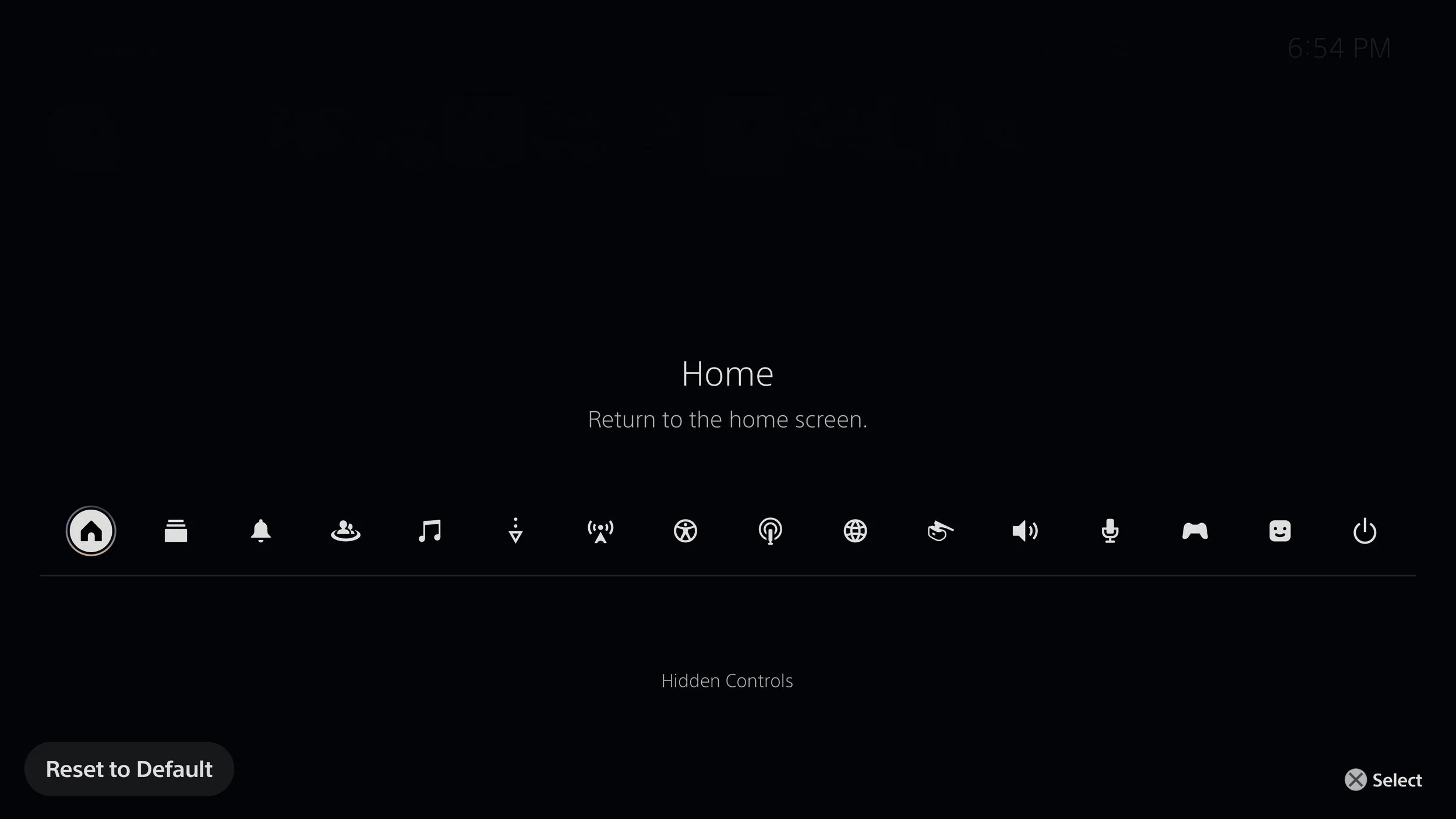
Service Switcher page that is the highlight of this case study
Research Methodology
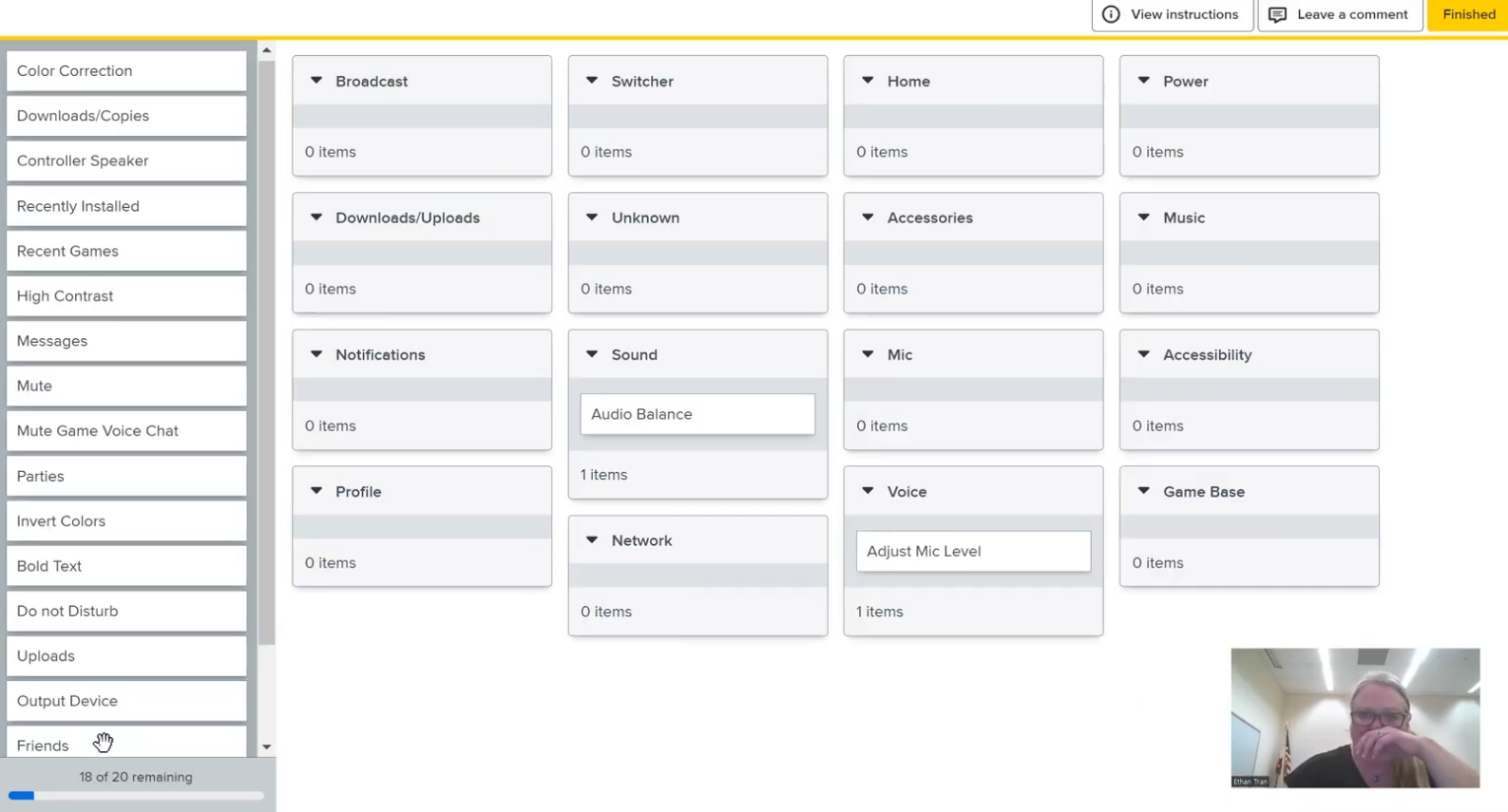
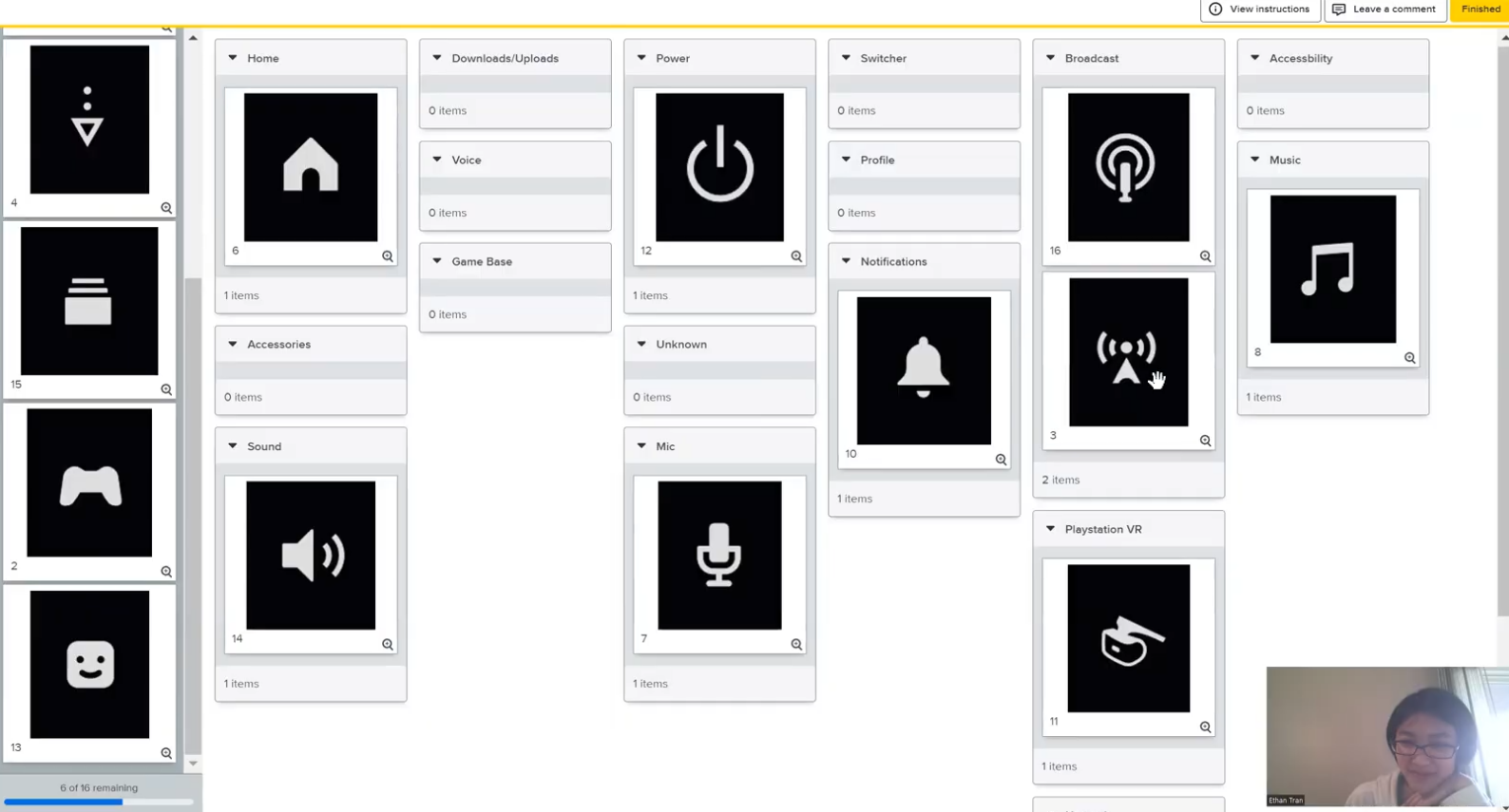
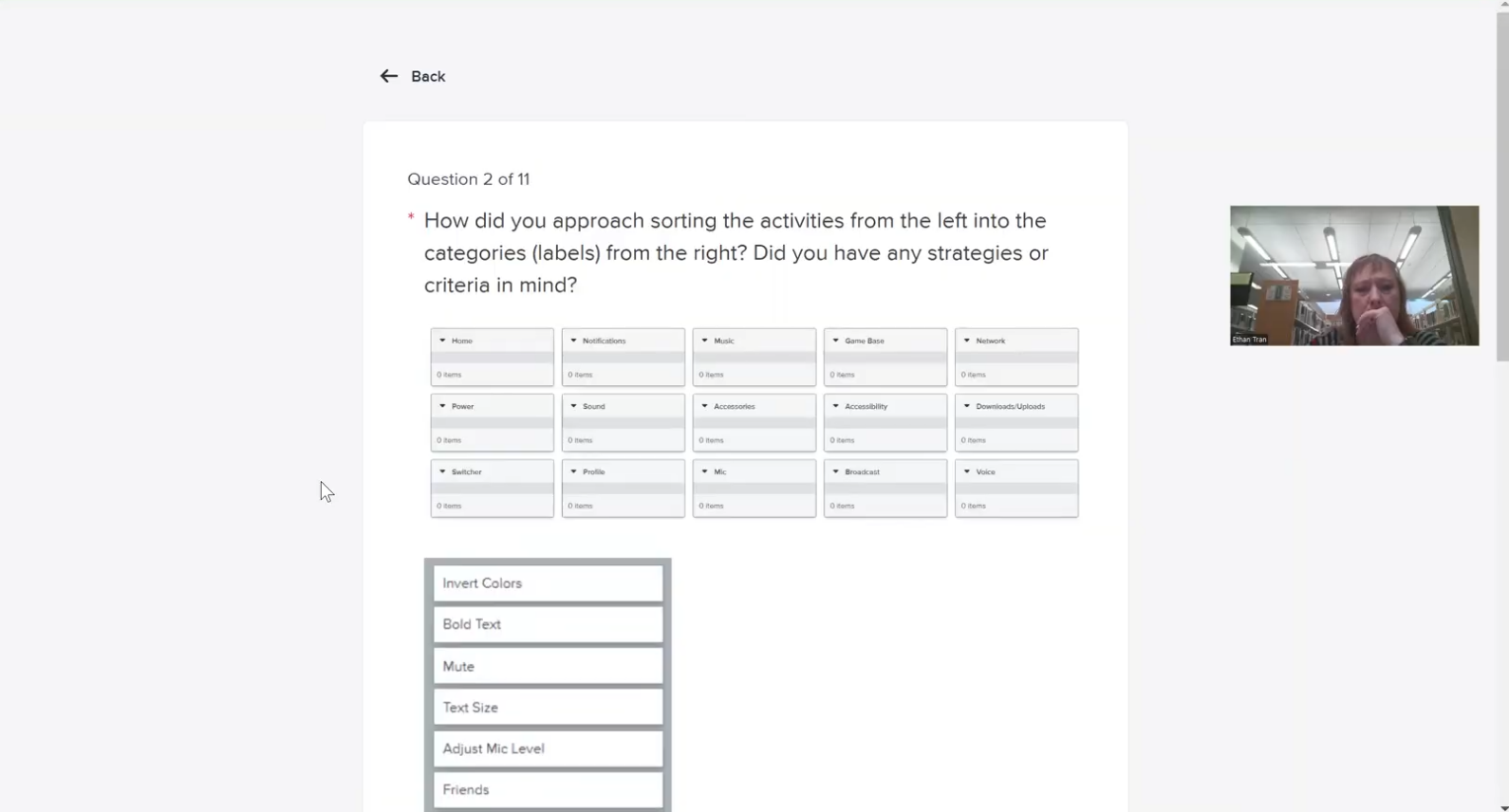
To capture both quantitative sorting trends and rich qualitative behavioral insights, I conducted structured user interviews and hands-on testing sessions with various novice players. The gallery below showcases these interactive sessions, documenting how participants actively engaged with the console interface, verbalized their navigation choices through a think-aloud protocol, and exposed specific friction points across the console's icon arrays.
Problem
Novice gamers—defined as users with minimal prior experience in modern console interfaces—consistently struggled to locate functions within the PS5’s menu. Through my user interviews and evaluative testing sessions, I discovered that primary challenges stemmed from semantic ambiguities in icon interpretation and a lack of clear conceptual grouping for social features.
Taxonomy gaps: Participants found terms like “Game Base” and “Switcher” unclear, leaving them unsure of what features those labels represented.
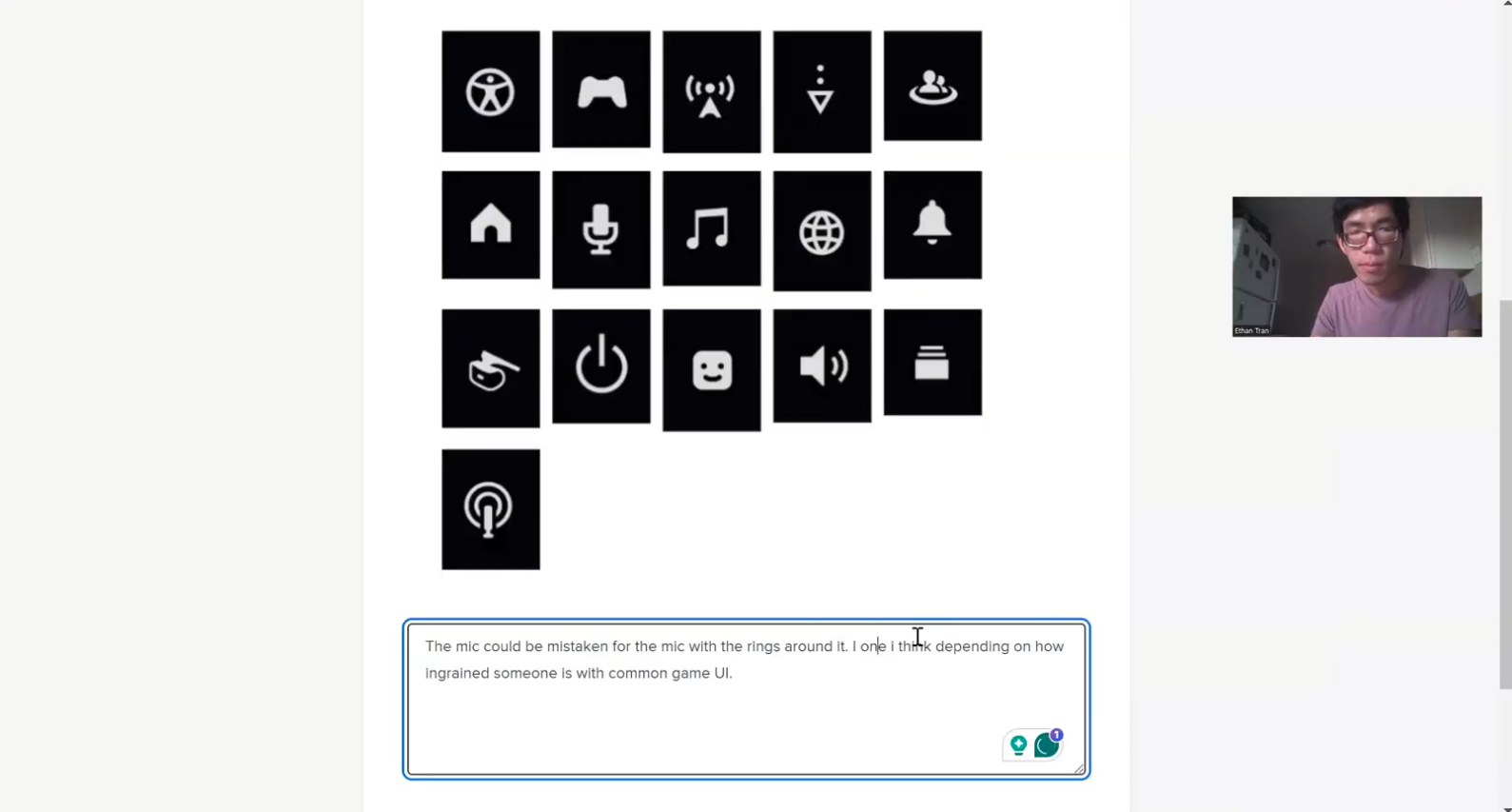
Visual ambiguity: Several icons lacked distinct affordances, making them confusing or visually interchangeable. Icons for Broadcast, Network, Voice, Mic, and Sound all use similar wave or signal imagery. During interviews, this led one participant to remark:
“The Broadcast icon and the Network (or maybe Voice) icon felt interchangeable to me… they all had that kind of signal or wave imagery”.
Audio fragmentation: The PS5 splits audio controls into separate Sound, Voice, and Mic menus. Novices routinely mixed these up due to overlapping functions, such as not knowing where basic volume settings or the mute command belonged.
These structural issues indicate that the menu’s current organization does not align well with how new users naturally think about the console’s features, causing confusion and hesitation during navigation.
Goals
I established three core research objectives to realign the console onboarding interface with natural user expectations:
Identify design gaps: Pinpoint specific breakdowns in labeling and feature grouping within the PS5 menu system.
Evaluate user interpretation: Measure how effectively the system's iconography and labels communicate their intended functions to novice users.
Generate data-driven recommendations: Develop evidence-backed design improvements to reduce cognitive load and enhance findability for first-time players.
Solution
Based on my research, I proposed a series of evidence-backed improvements to enhance the menu’s usability and semantic transparency. The solutions focus on redesigning ambiguous icons and relabeling key menu items to better match user expectations:
Rebranding "Game Base": I recommended updating this to a more intuitive term (such as “Friends Hub” or “Social Center”) and revising its iconography to clearly represent interpersonal communication. This change leverages common mental models to help users immediately recognize where to find friend lists and party chats.
Clarifying "Switcher": I recommended renaming this feature to something clearer (like “Recent Apps” or “Quick Switch”) and redesigning its icon to evoke the concept of multitasking. Introducing familiar visual metaphors (such as overlapping arrows forming a circle) and adding a brief tooltip (e.g., “Quickly switch between your recent games or apps”) makes the feature self-evident.
Realigning structure: Each recommendation realigns the PS5 menu’s structure and terminology with user expectations, thereby improving overall findability.
Feedback & Iteration
Based on findings from my research study, I developed the following specific recommendations for redesigning the PS5 menu icons. These updates address the low visual comfort caused by abstract designs—highlighted by the fact that participants correctly matched only about 56% to 75% of the icons to their intended categories on average.
1. Switcher
Reason for redesign: The current Switcher icon (two overlapping rectangles) failed to effectively communicate its function of quickly toggling between recent games and apps. Participants consistently showed confusion about this icon’s meaning—one even asked, “I don’t know what Switcher means. Switch what? Games? Profiles?”. In the card-sorting task, it was among the most frequently misclassified items, leading to one of the lowest accuracy rates for any menu icon.
Recommendation: Rename and redesign Switcher to make its purpose obvious. I suggest using a more descriptive label like “Recent Activity” or “Quick Switch.” Visually, the icon should better evoke multitasking by using a symbol of two arrows forming a circle or stacked windows. I also recommended providing a short on-screen description or tooltip the first time a user opens this menu to reinforce its meaning.

2. Game Base
Reason for redesign: The Game Base menu (labeled with an icon of two human figures) caused significant cognitive dissonance. Many users did not understand the term at all, and those who tried to guess failed to associate it with social features. Because Game Base did not cue users that "this is where social features live," functions like friend lists were frequently miscategorized under Profile or Network.
Recommendation: Rebrand Game Base to a more transparent social hub label, such as “Friends & Parties” or simply “Social.” The icon should change to an unmistakable social symbol, like a group of people or connected chat bubbles. This leverages common UI conventions so that even a novice immediately recognizes the category, drastically reducing the cognitive gap.

3. Downloads/uploads
Reason for redesign: Participants struggled to interpret the Downloads/Uploads icon (a downward arrow, sometimes paired with an upward arrow). Novice users often confused this symbol with Save, Install, or general system updates due to the overuse of arrow icons in digital interfaces. The issue was compounded by the console's occasional use of the word “Copies,” which left users puzzled as to what was being transferred.
Recommendation: Design a more explicit icon and adjust the labeling to differentiate it from other system actions. I suggest using a combined icon that shows both directions of data transfer (two arrows pointing down and up over a file tray or drive symbol). The label “Downloads/Uploads” should remain visible—or be supplemented with a term like “Transfers”—to provide clear textual confirmation.

4. Broadcast
Reason for redesign: The Broadcast function is represented by an icon with radiating waves, which proved highly unintuitive. Participants frequently misinterpreted this symbol as relating to audio volume or a wireless signal, rather than live-streaming gameplay. It was one of the most commonly misunderstood icons in the study.
Recommendation: Redesign the Broadcast icon to explicitly convey live streaming. A literal representation would work much better, such as a video camera symbol or a screen with a “LIVE” badge or a red recording dot. I also recommended adding a one-time onboarding hint: “Broadcast – stream your gameplay live.”

5. Network
Reason for redesign: The Network category (indicated by Wi-Fi signal bars) introduced semantic ambiguity. Some users understood it, but the single word “Network” caused others to wonder if it referred to a social network rather than console connectivity, especially since social features were not clearly labeled elsewhere.
Recommendation: Disambiguate the menu by renaming it to “Network Settings,” “Wi-Fi & Connectivity,” or simply “Internet.” Accompanying this with an updated icon that pairs the Wi-Fi bars with a familiar emblem like a globe or a gear would reinforce the technical context and ensure semantic transparency.

6. PlayStation VR
Reason for redesign: The current PlayStation VR icon, which features a simplified headset silhouette, was frequently misunderstood or overlooked. While some recognized it as headgear, others mistook it for a controller, camera, or an audio device. The minimalist form fails to clearly signify virtual reality to users unfamiliar with VR equipment.
Recommendation: To improve recognition, the icon should be redesigned with stronger affordances that visually communicate virtual reality. This includes incorporating a more detailed headset form with distinct lenses, or surrounding the icon with subtle environmental elements like a horizon line or grid. Moving from abstract to concrete imagery will help users immediately associate the feature with immersive gameplay.

Outcome
The study identified several critical usability concerns for new users and provided a clear framework for improving the PS5 menu’s clarity and navigability.
My research confirmed that while universally recognized icons (such as the power symbol or the notifications bell) performed well, icons relying on non-literal or PlayStation-specific metaphors led to significantly lower comprehension. The quantitative results reinforced this breakdown: in the card sort, standalone icons were more challenging to sort correctly than text labels, with participants matching only 56% to 75% of icons to the right menu, compared to 60% to 70% accuracy for text-based sorting.
This means the visual design of the menu was imposing a higher cognitive load on novices, leading several users to express that many icons “all look the same after a while.” Redesigning the problematic icons and labels based on principles of semantic clarity and familiar metaphors will greatly enhance the PS5 menu’s overall usability and learnability. By aligning the interface with users’ existing mental models, the system can systematically reduce confusion, speed up feature discovery, and provide a more welcoming experience to those who are new to the PlayStation ecosystem.